
Staff Member #1
Biography of instructor/staff member #1

Infracademy
"Choose GIS vs AIS wisely: Solve footprint and reliability challenges for HV rail substations in under 90 minutes."
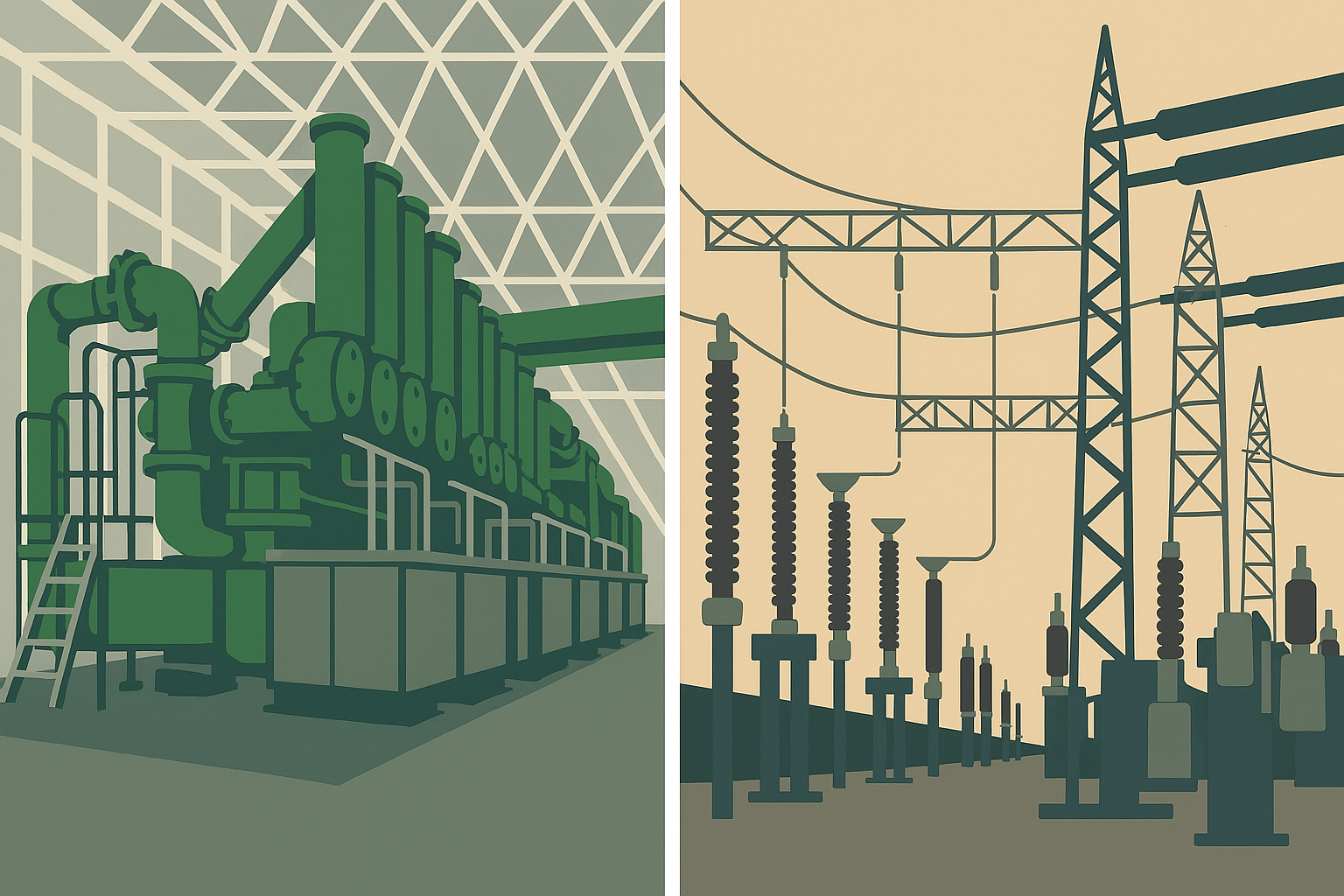
High-voltage substations are the backbone of rail electrification, feeding traction power reliably and safely. Choosing between Gas-Insulated Switchgear (GIS) and Air-Insulated Switchgear (AIS) is a critical decision that impacts footprint, maintainability, and lifecycle cost. Poor selection or incorrect breaker ratings can lead to space overruns, insulation failures, and operational hazards.
This course provides a practical roadmap for designing HV substations that meet IEC and IEEE standards and perform under real-world conditions. You’ll learn how GIS and AIS technologies differ, when to apply each, and how to configure breaker ratings for fault current withstand. We’ll cover earthing and bonding requirements, insulation integrity checks, and SCADA integration for real-time monitoring. Real-world case studies highlight common pitfalls—such as SF₆ leakage and arc-flash risks—and show how to avoid them.
Aligned with IEC 62271 and IEEE C37 standards, this course equips designers, project managers, and maintenance teams with actionable insights. By the end, you’ll be able to:
· Select GIS or AIS based on site constraints and reliability targets.
· Apply breaker rating calculations and insulation checks for compliance.
· Monitor HV substation health and respond before failures occur.
· Evaluate trade-offs between CAPEX and lifecycle cost under different operational scenarios.
Whether you’re working on high-speed corridors, urban metros, or freight lines, this microcourse delivers the knowledge you need to prevent costly mistakes and ensure traction power reliability. It’s concise, practical, and designed for immediate application in real projects.
Add information about the skills and knowledge students need to take this course.
Biography of instructor/staff member #1
Biography of instructor/staff member #2
The Open edX platform works best with current versions of Chrome, Edge, Firefox, or Safari.
See our list of supported browsers for the most up-to-date information.
Your answer would be displayed here.