
Staff Member #1
Biography of instructor/staff member #1

Infracademy
Protect rail assets: Apply EN/IEC surge protection strategies for safe, reliable traction power systems.
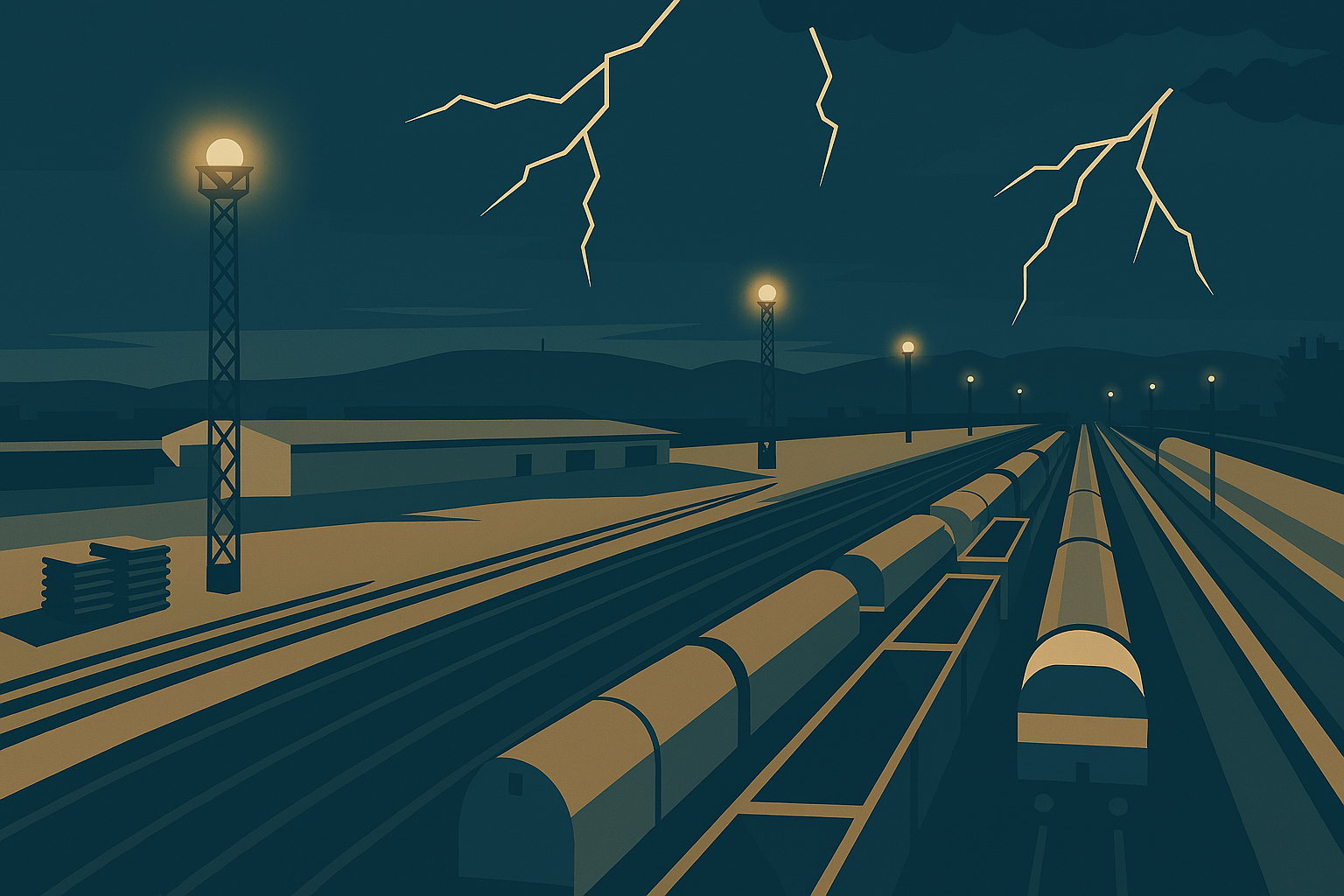
Lightning strikes and surge events pose severe risks to rail electrification systems. They can destroy traction substations, damage overhead line equipment, and trip protection systems, leading to catastrophic outages and costly repairs. Without robust surge protection and earthing strategies, these failures compromise safety, reliability, and regulatory compliance.
This course provides a practical, standards-aligned approach to designing and implementing lightning and surge protection for rail systems. Participants will learn how to specify SPD ratings, design earthing grids, and route down-conductors to safeguard equipment and maintain operational continuity. The course covers EN 50122 and IEC 62305 compliance, surge protection coordination, SCADA integration for monitoring, and corrosion control for long-term performance.
Key benefits include:
· Compliance assurance: Meet EN and IEC standards for lightning and surge protection.
· Risk reduction: Prevent catastrophic outages and equipment damage during storms.
· Cost optimisation: Avoid expensive repairs and service disruptions through proactive design and monitoring.
· Operational reliability: Maintain safe traction power performance under extreme weather conditions.
Through real-world examples and scenario-based reasoning, learners will gain actionable insights to manage surge protection throughout the project lifecycle—from design and commissioning to maintenance and performance optimisation. Whether you are delivering a metro upgrade or a mainline electrification project, this course equips you with the tools to ensure safety, compliance, and reliability.
Add information about the skills and knowledge students need to take this course.
Biography of instructor/staff member #1
Biography of instructor/staff member #2
The Open edX platform works best with current versions of Chrome, Edge, Firefox, or Safari.
See our list of supported browsers for the most up-to-date information.
Your answer would be displayed here.