
Staff Member #1
Biography of instructor/staff member #1

Infracademy
"Choose and size AT vs BT schemes correctly: Prevent voltage imbalance, losses, and EMC issues in under 90 minutes."
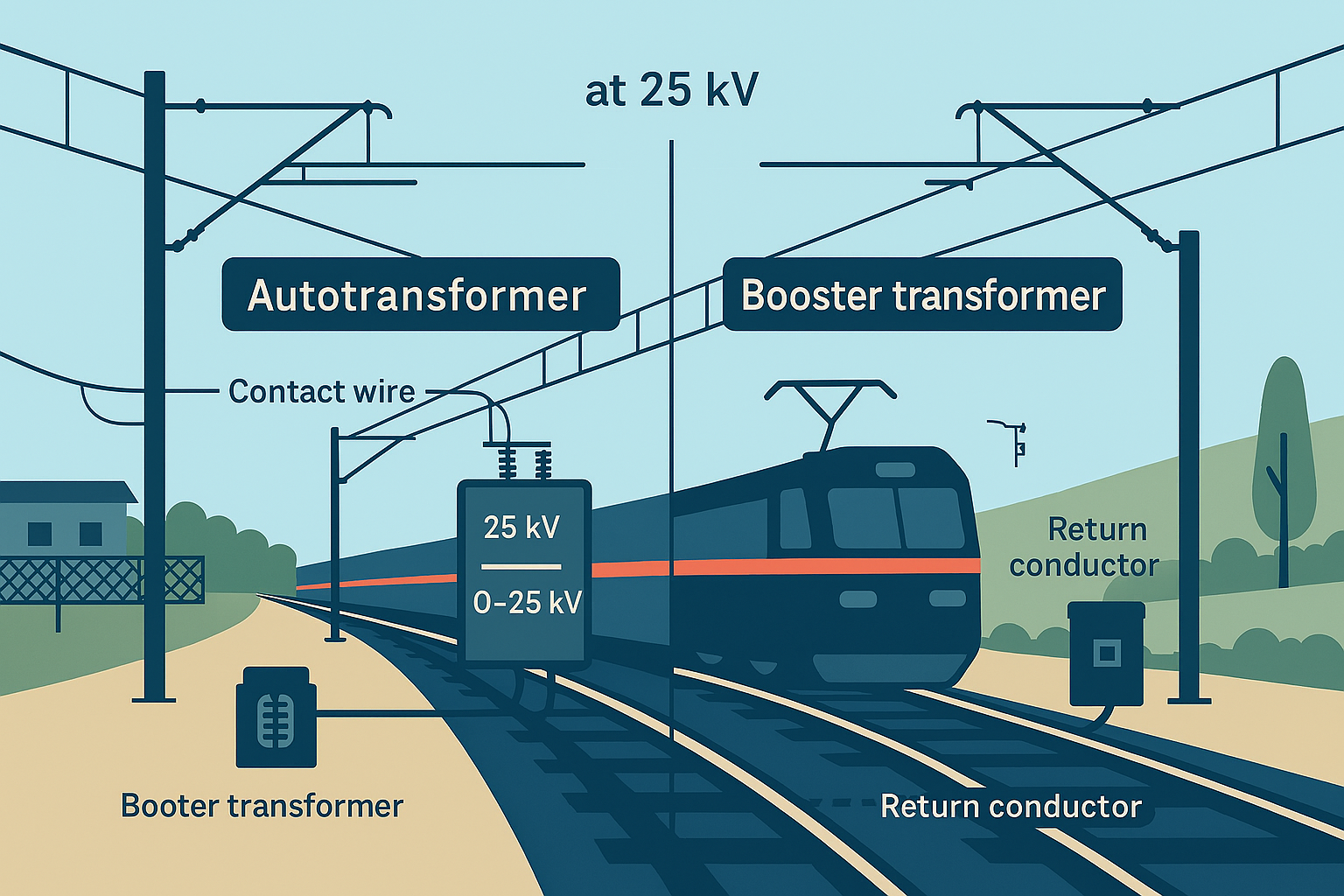
Choosing the right transformer scheme for 25 kV AC electrification is not just a technical detail—it’s a decision that impacts reliability, safety, and lifecycle cost. Autotransformer (AT) and booster transformer (BT) systems serve different purposes: AT improves voltage regulation over long routes, while BT mitigates stray current and corrosion in urban environments. Selecting the wrong scheme or mis-sizing transformers can lead to voltage imbalance, excessive losses, and EMC failures that disrupt signaling and operations.
This course provides a practical roadmap for making the right choice. You’ll learn how AT and BT schemes work, when to apply each, and how to size transformers for optimal performance. We’ll cover EMC compliance strategies, earthing and bonding requirements, and SCADA integration for real-time monitoring. Real-world case studies highlight common pitfalls—such as undersized ATs causing voltage sag and BT schemes introducing EMC interference—and show how to avoid them.
Aligned with EN and IEC standards, this course equips designers, project managers, and maintenance teams with actionable insights. By the end, you’ll be able to:
· Select the correct transformer scheme for route length and operational context.
· Apply sizing calculations and tap settings to maintain voltage balance.
· Implement EMC mitigation measures to protect signaling and telecom systems.
· Monitor transformer health and voltage KPIs through SCADA.
Whether you’re working on high-speed corridors, urban metros, or mixed-traffic routes, this microcourse delivers the knowledge you need to prevent costly mistakes and ensure traction power reliability. It’s concise, practical, and designed for immediate application in real projects.
Add information about the skills and knowledge students need to take this course.
Biography of instructor/staff member #1
Biography of instructor/staff member #2
The Open edX platform works best with current versions of Chrome, Edge, Firefox, or Safari.
See our list of supported browsers for the most up-to-date information.
Your answer would be displayed here.